
Download SWF Visualizer – Flash Viewer, SWF Player, Animation Tool
Overview
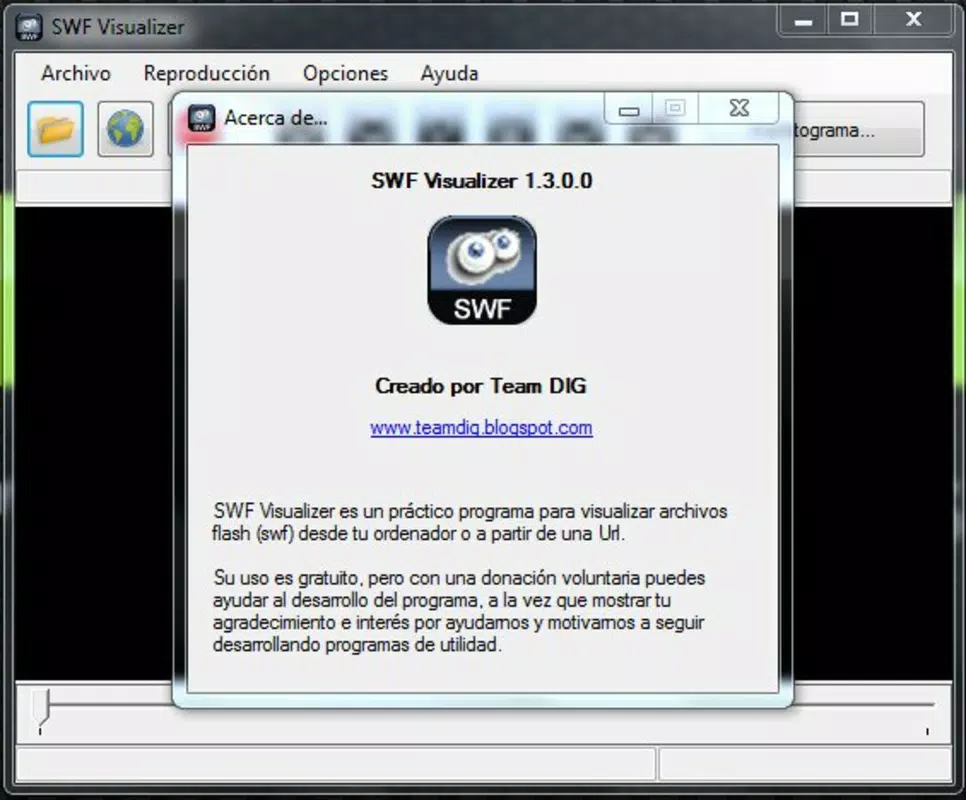
SWF Visualizer is a specialized mobile application designed to enable users to view and interact with SWF (Small Web Format) files directly on their smartphones or tablets. The app serves as a dedicated viewer for Flash-based animations, offering a straightforward way to access and play content stored locally or streamed from online sources. Its primary purpose is to provide a reliable playback environment for SWF files, which are increasingly rare due to the decline of Flash support across modern platforms.
For users who still maintain legacy Flash content—such as archived animations, educational materials, or old web games—SWF Visualizer fills a critical gap in digital accessibility. It is particularly useful for developers, designers, and educators who need to review or demonstrate Flash-based assets without relying on outdated desktop software or emulated environments. The app’s minimalist approach ensures that the focus remains on playback, making it ideal for quick viewing and basic navigation.
Although the developer did not provide additional technical details or background information, the app’s release date of November 7, 2013, indicates it was created during the transitional period when Flash was being phased out. This context suggests the app was developed to preserve access to Flash content during a time of technological shift. Its continued relevance lies in its ability to serve niche use cases where SWF files remain in active use.
Key Features & Functionality
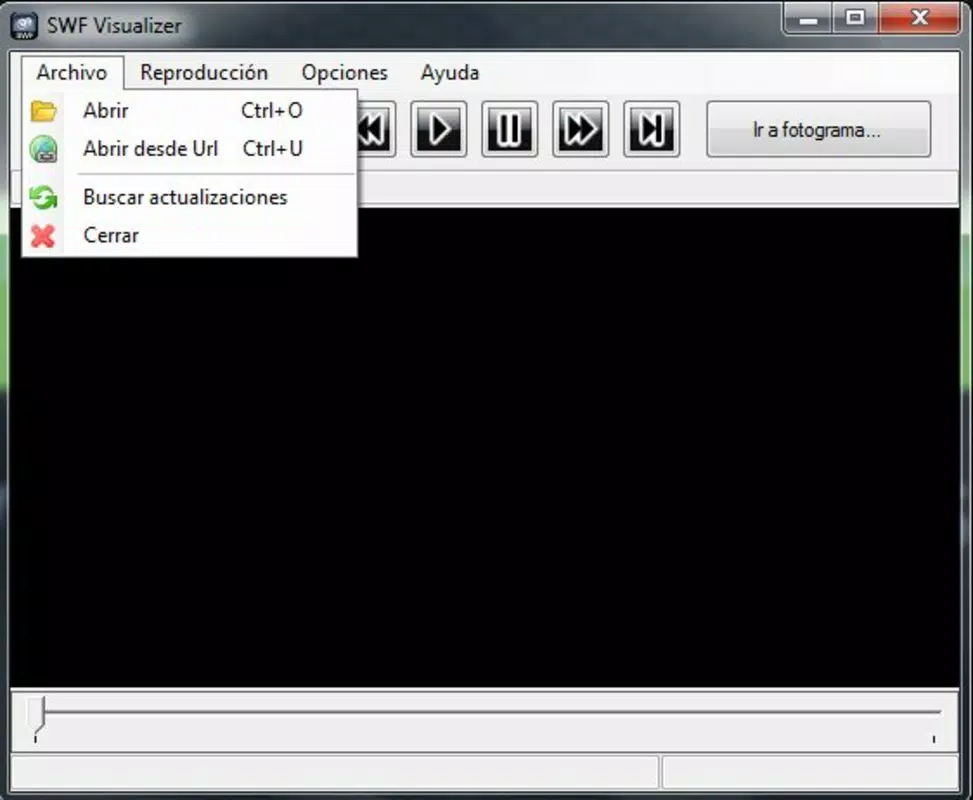
- Local and Remote SWF Access: Users can load SWF files directly from their device’s storage or open them via a URL, enabling flexible access to Flash content regardless of location.
- Frame Count Display: The app shows the total number of frames in the loaded SWF file, helping users estimate the duration and complexity of the animation before playback.
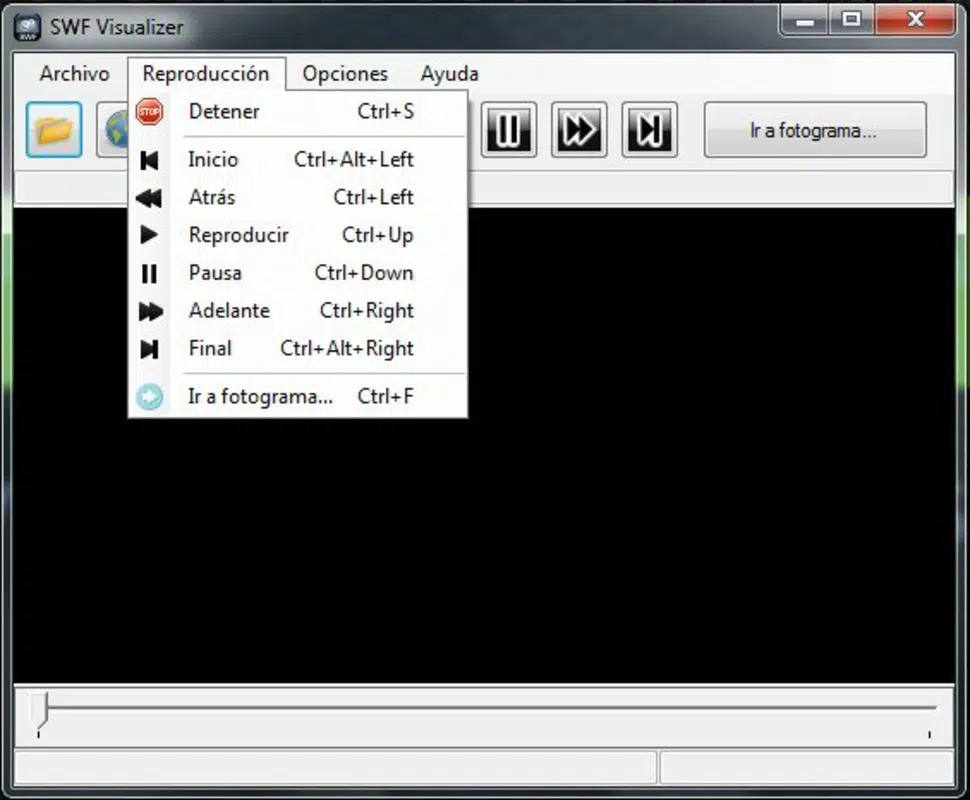
- Intuitive Playback Controls: Simple, user-friendly controls allow for play, pause, stop, and frame-by-frame navigation, mimicking the behavior of standard video players.
- Minimalist Interface: With no cluttered menus or unnecessary tools, the app prioritizes clarity and ease of use, ensuring a distraction-free viewing experience.
For example, a digital archivist might use SWF Visualizer to preview old Flash animations stored on a personal drive before deciding whether to convert them to modern formats. Similarly, a teacher could open a Flash-based interactive lesson from a web link during a classroom demonstration. The app’s lightweight functionality makes it suitable for quick inspections and on-the-go reviews without requiring complex setup or additional software.
Interface, UX & Performance
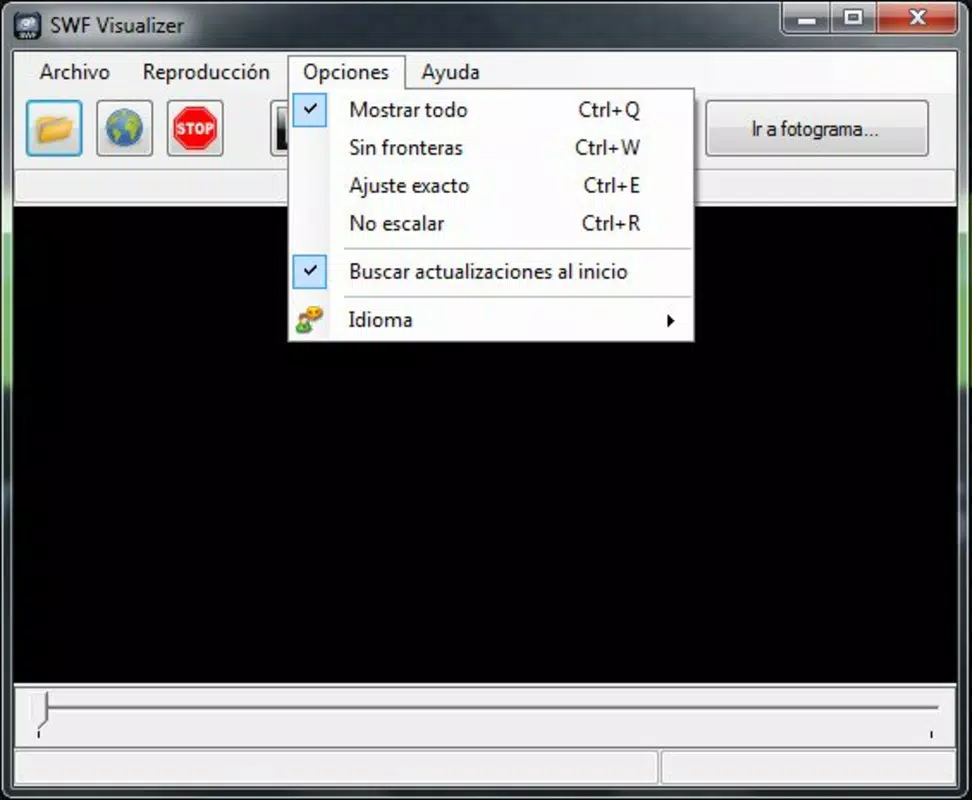
SWF Visualizer features a clean, minimalist interface that emphasizes functionality over aesthetics. The layout is straightforward, with playback controls positioned prominently and frame information displayed clearly. Navigation is intuitive, allowing users to interact with the content using familiar gestures and buttons, reducing the learning curve for new users.
While the developer did not list formal performance metrics, the app’s design suggests it is optimized for smooth playback on a range of mobile devices. The absence of advanced features indicates a focus on stability and responsiveness, particularly for lightweight SWF files. Users can expect consistent behavior during playback, with minimal lag or crashes under normal conditions.
Although the developer did not specify minimum OS requirements or compatibility details, the app’s long-standing presence suggests it has been tested across various device categories. It likely performs well on mid-range and higher-end smartphones and tablets, especially those capable of handling basic multimedia playback. The app’s performance on older or low-spec devices remains unspecified, but its simple architecture implies it is designed to function efficiently even on less powerful hardware.
Platform Compatibility & Technical Requirements
SWF Visualizer is available for Android, as indicated by the provided information. The app’s version and file size are not specified, nor are the minimum operating system requirements. The developer did not provide detailed technical specifications, including compatibility with specific Android versions or device types.
Compatibility information was not fully disclosed, so users should verify whether the app runs on their specific device model and Android version. The file size is also unknown, though the app’s purpose and minimal feature set suggest it is relatively lightweight. Users are advised to check the app store listing for updated compatibility details before installation.
Pros and Cons
Pros
- Simple, intuitive interface ideal for quick SWF file viewing
- Supports both local file and URL-based SWF loading
- Displays frame count for better content estimation
- Minimalist design reduces distractions during playback
- Lightweight and efficient, suitable for older or mid-range devices
Cons
- Developer did not provide technical details or performance metrics
- Compatibility with specific Android versions is not disclosed
- Limited to SWF playback—no editing or conversion features
- No support for advanced Flash functionality or interactivity
- App has not been updated since 2013, raising concerns about long-term support
FAQ
Is SWF Visualizer safe to download and install?
Yes, SWF Visualizer is a legitimate tool designed for viewing SWF files. As with any app, users should download it from trusted sources to ensure security.
Can I use SWF Visualizer to play Flash games?
Yes, the app can play Flash games stored as SWF files, provided they do not rely on external plugins or complex interactivity not supported by the viewer.
Does SWF Visualizer support video or audio files?
No, the app is specifically designed for SWF files only. It does not support other multimedia formats like MP4, AVI, or MP3.
Is SWF Visualizer free to use?
The pricing information was not provided. Users should check the app store listing for current pricing and availability.
Will SWF Visualizer work on iOS devices?
Based on the available information, SWF Visualizer is designed for Android. No details were provided about iOS compatibility.
Final Thoughts
SWF Visualizer stands out as a niche but valuable tool for anyone needing to access legacy Flash content on mobile devices. Its clean interface, simple controls, and dual file-loading capability make it a practical choice for quick playback of SWF animations. While it lacks modern features and has not been updated in over a decade, its core functionality remains effective for its intended purpose.
It is especially beneficial for educators, developers, and archivists who work with older Flash assets and require a lightweight, no-frills player. The app’s minimal design ensures that users can focus on the content without distraction, making it a reliable utility in a shrinking ecosystem of Flash-compatible tools.
Despite its age, SWF Visualizer remains a functional solution for a specific need. For those seeking a secure, straightforward way to view SWF files on Android, this app delivers value without complexity.
Download SWF Visualizer now


